From booking to membership, on the free live demo
Book ahead, check in with that booking on arrival, or walk in without one. During the stay the room key lives on the guest’s phone, and afterwards a monthly membership brings them back. Everything runs in test mode, so you can take any of them all the way through and nothing is charged.
- Before the stay
- On arrival
- During the stay
- After the stay
- Booking
Pick a date and hold a slot ahead of time
Try it on this page - Check in with a booking
Get the key with your booking code
Try it on this page - Walk-in
Pay on the spot and get a key (at a 24h gym)
Try it on this page - In-room QR key
Move the door code to your phone from the in-room QR
Try it on this page - Membership
Join monthly, and walk straight in next time (at a 24h gym)
Try it on this page
- Before the stayBooking
Pick a date and hold a slot ahead of time
Try it on this page - On arrivalWith a bookingCheck in with a booking
Get the key with your booking code
Try it on this pageNo bookingWalk-inPay on the spot and get a key (at a 24h gym)
Try it on this page - During the stayIn-room QR key
Move the door code to your phone from the in-room QR
Try it on this page - After the stayMembership
Join monthly, and walk straight in next time (at a 24h gym)
Try it on this page
Try booking
How to use
- 01
Pick a space and a time
Choose a space, then hold a slot from the times that are open.
- 02
Enter the email code
A six-digit code arrives at your email address.
- 03
Pay with the test card
Use the test card numbers below as they are.
- 04
Booked
You get a booking code and a confirmation email — the booking a guest checks in with on arrival.
Test Card Numbers
Card Number
4242 4242 4242 4242
Expiry
12/30
CVC
123
* Stripe test mode. No actual charges.
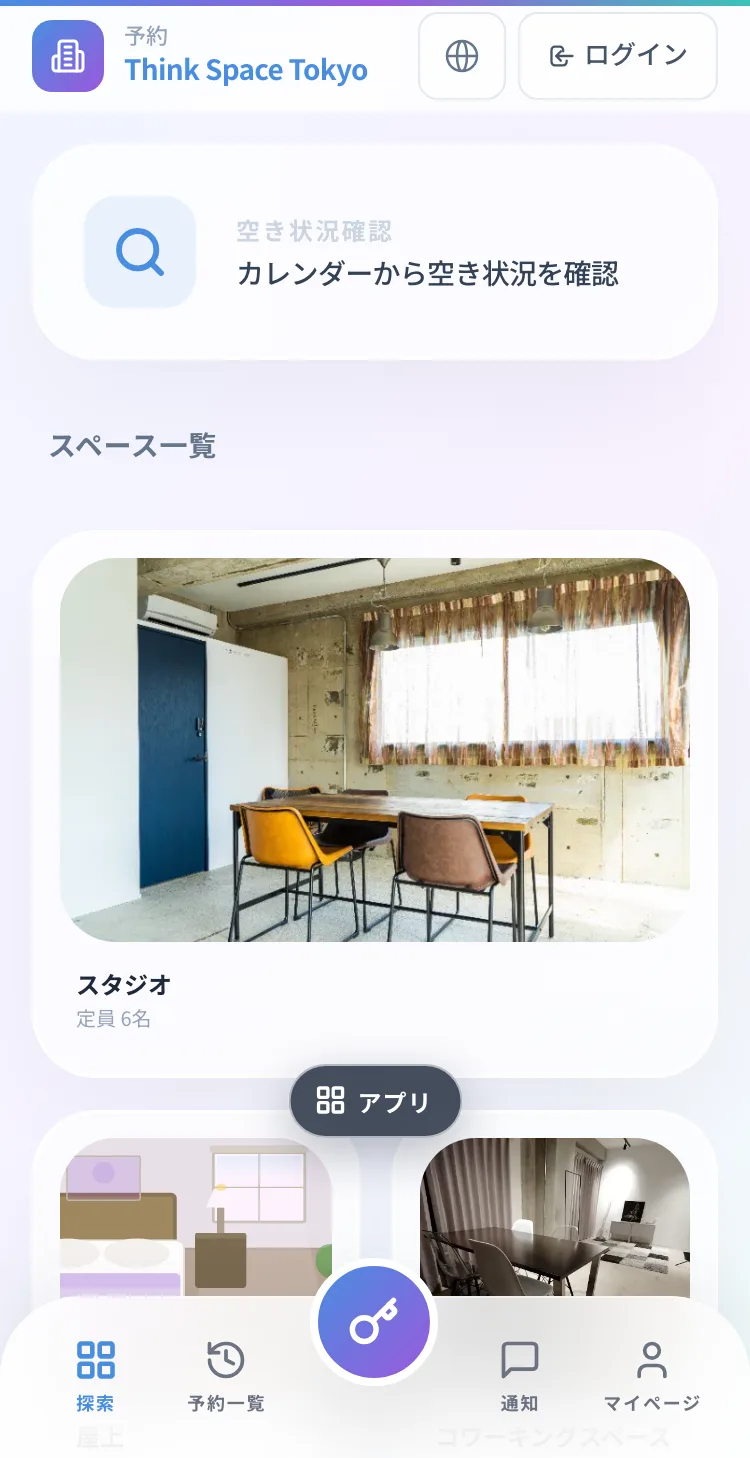
Try checking in with a booking
A guest who booked online arrives and checks in on their own phone. We issue a demo booking just for you.
How to use
- 01
Issue a demo booking
The button below creates one booking just for you. It counts as paid, so no test card is needed.
- 02
Scan the entrance QR
The same QR a guest finds at the door.
- 03
Enter the email code
A six-digit code arrives at your email address.
- 04
Find the booking by its code
Type the booking code from your ticket.
- 05
The key appears
The room’s door code and QR, under the same booking code as your ticket.
Demo bookings end after two hours and the room goes to the next visitor. The ticket stays in this browser until it expires. Nothing is charged.
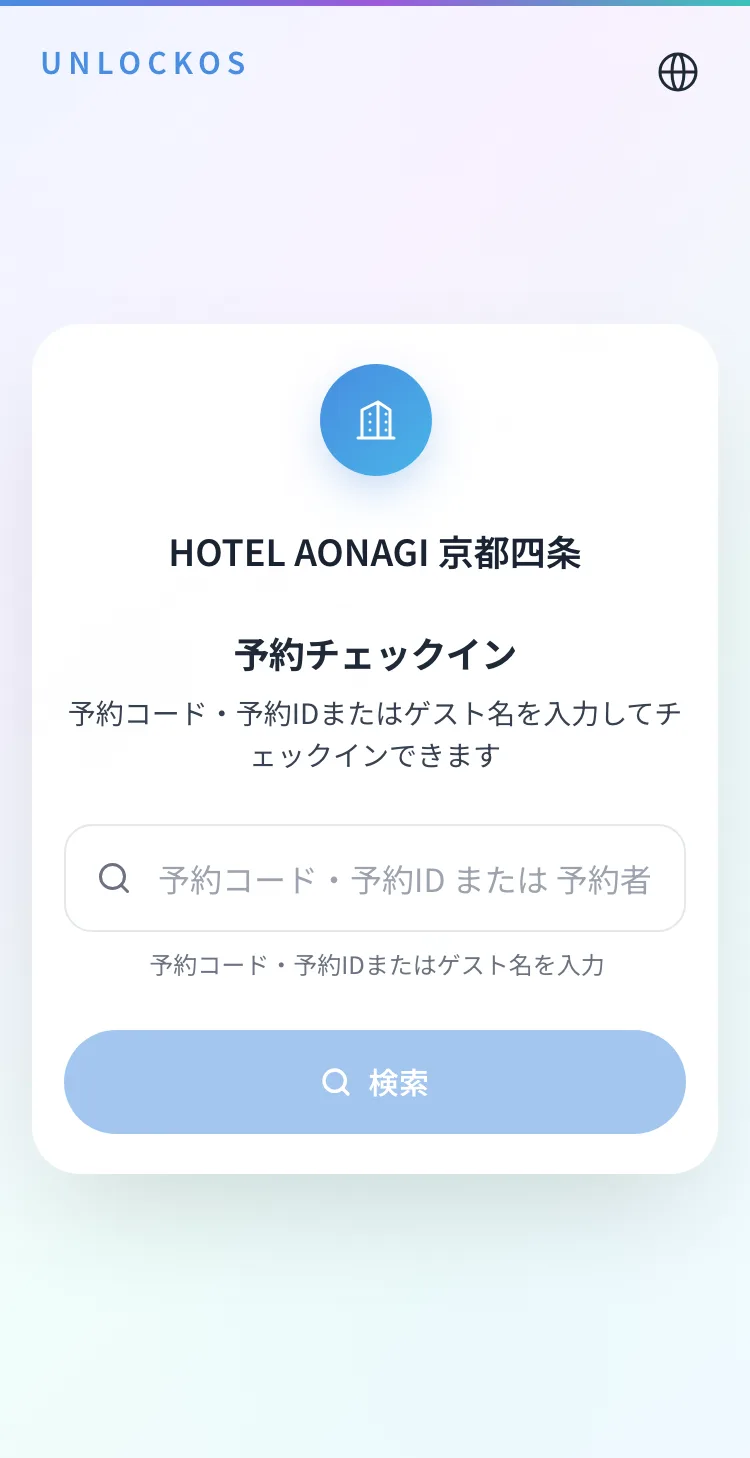
Run the real flow from the QR on the booking card, or open it in a new tab.
Try the walk-in flow
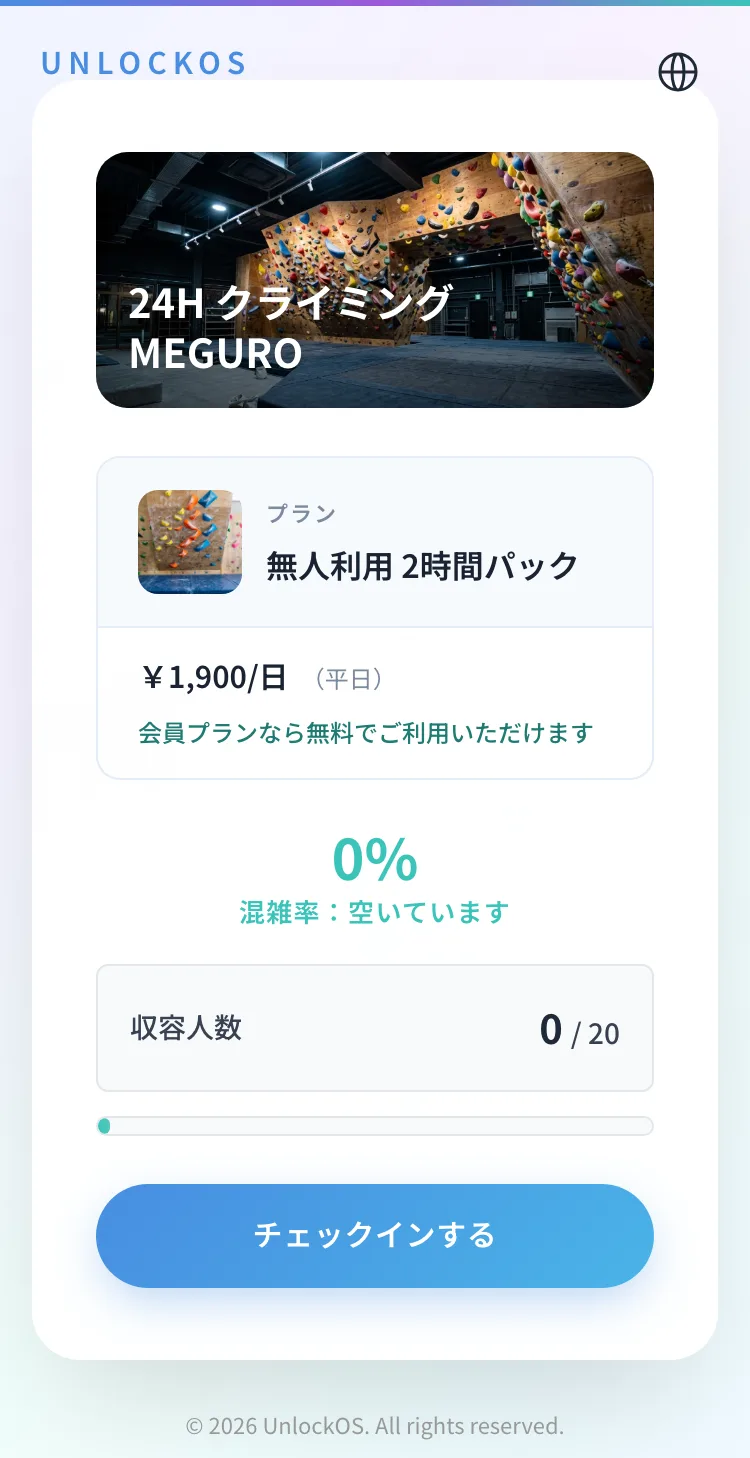
A guest with no booking scans the entrance QR, pays, and gets a key — even at an unstaffed site.
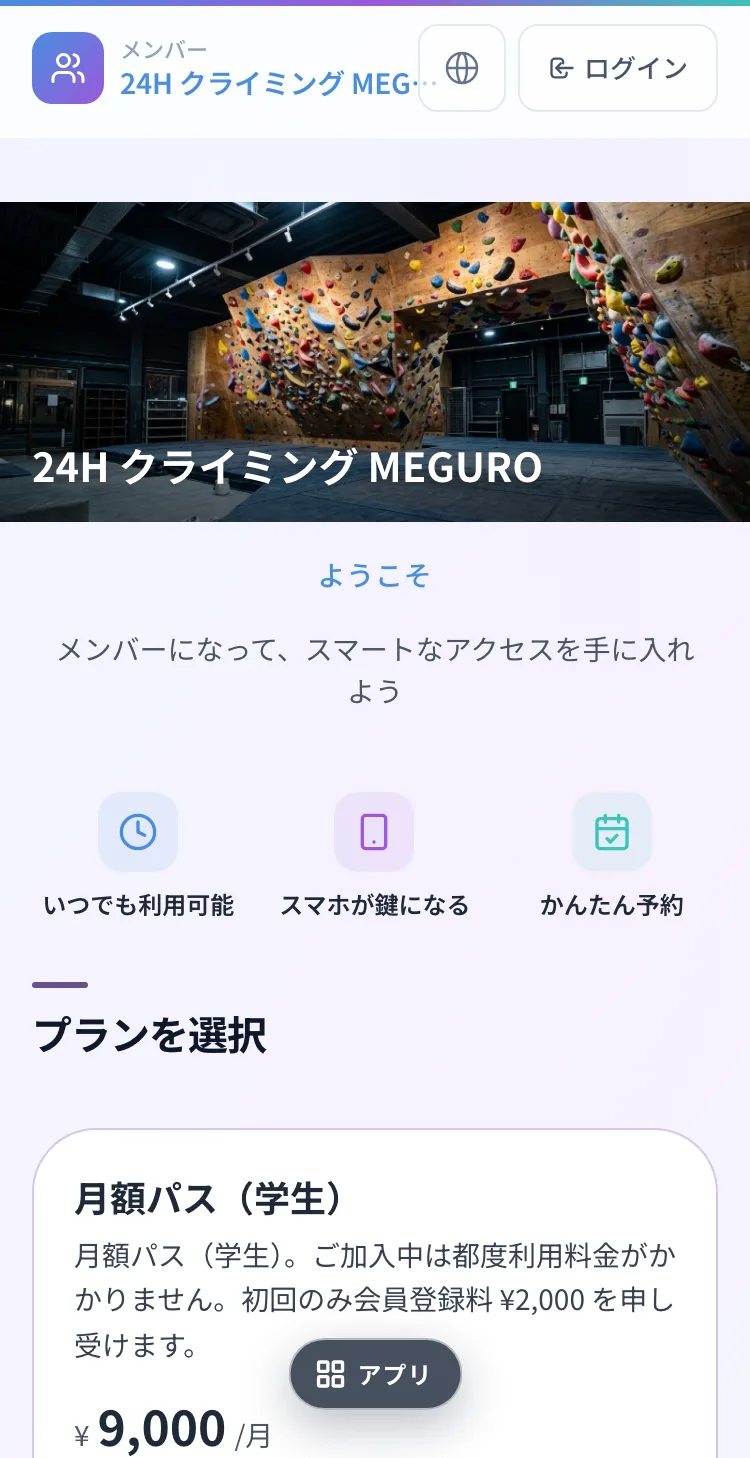
This demo runs on a 24h gym, 24H クライミング MEGURO. The membership demo at the end uses the same one.
How to use
- 01
Tap “Start Check-in”
The screen a guest opens from the entrance QR. No booking needed.
- 02
Enter the email code (first time only)
Skipped if you already confirmed it in a demo above. Some facilities also ask for a name.
- 03
Pay ¥1,900 with the test card
The two-hour pack is paid by card on the spot. If you already joined in the membership demo, it is ¥0 and this step is skipped.
- 04
The key arrives on the phone
The entrance QR and door code are shown.
Test Card Numbers
Card Number
4242 4242 4242 4242
Expiry
12/30
CVC
123
* Stripe test mode. No actual charges.
Try the in-room QR key
A guest takes the door code they were given at check-in and adds it to their phone from the in-room QR. We issue a demo room and code just for you.
How to use
- 01
Issue a demo room
You get a room number and a door code — what a hotel’s PMS hands a guest at check-in.
- 02
Scan the in-room QR
The same fixed QR that hangs on the wall of each room.
- 03
Enter the email code
This ties the key to your account.
- 04
Enter the room and door code
Type the two values you were given.
- 05
Your key and hotel facilities
The room key is on your phone, and the bath or gym open from the same screen.
The door code expires after two hours and the room goes to the next visitor. It stays in this browser until then, so on a shared device clear it with “Issue another room” when you’re done.
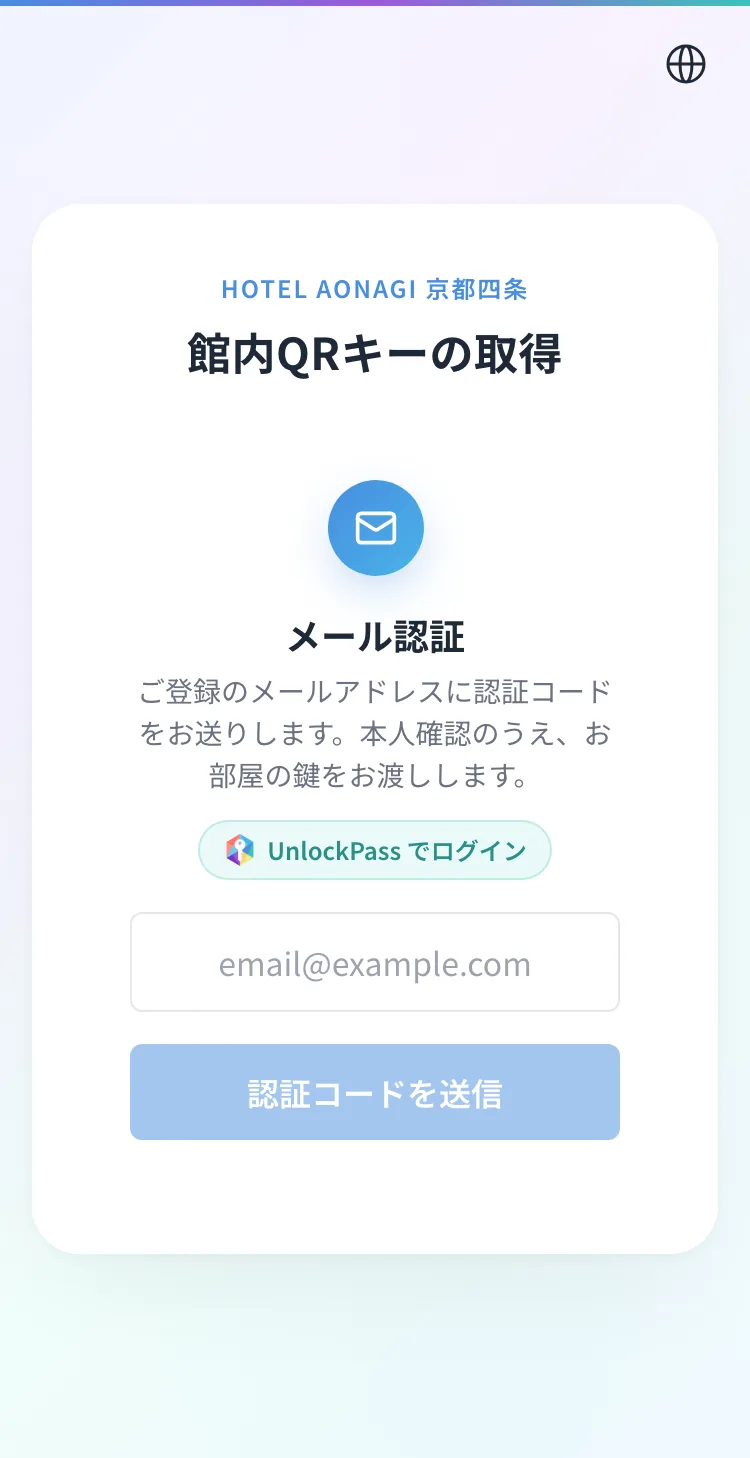
Run the real flow from the QR on the room card, or open it in a new tab.
Try membership
Turning a one-time guest into a monthly member who keeps coming back. Once they join, their phone gets them in, and there’s nothing to pay at the door.
The same 24h gym as the walk-in demo, 24H クライミング MEGURO — this time you get in as a member.
How to use
- 01
Pick a monthly pass
General, women’s or student, each with a ¥2,000 joining fee.
- 02
Enter the email code
Sign in with the code, then add your name and contact details.
- 03
Join with the test card
The monthly fee and joining fee are paid on the spot.
- 04
Straight to the member home
Once paid, the app switches to the member home. No staff approval.
- 05
A key right away, for ¥0
Tap “Check in here” on the member home (or the Key button below). The key appears for ¥0.
Test Card Numbers
Card Number
4242 4242 4242 4242
Expiry
12/30
CVC
123
* Stripe test mode. No actual charges.
A demo membership is cancelled automatically after two hours. Nothing is charged.
Run your space the way you just saw
Booking, check-in, payment, keys and membership — the screens you just used become your own space’s front door. Creating an account is free, and we’re happy to walk you through a rollout.
See whether it works for your space, right now
These open the screens a guest sees. You can run them all the way through — payment and key included.
Every space here is fictional. The pricing and operating patterns come from real conversations with operators.
Payments run in test mode. 4242 4242 4242 4242 / 12/30 / 123. Nothing is ever charged.
 Demo
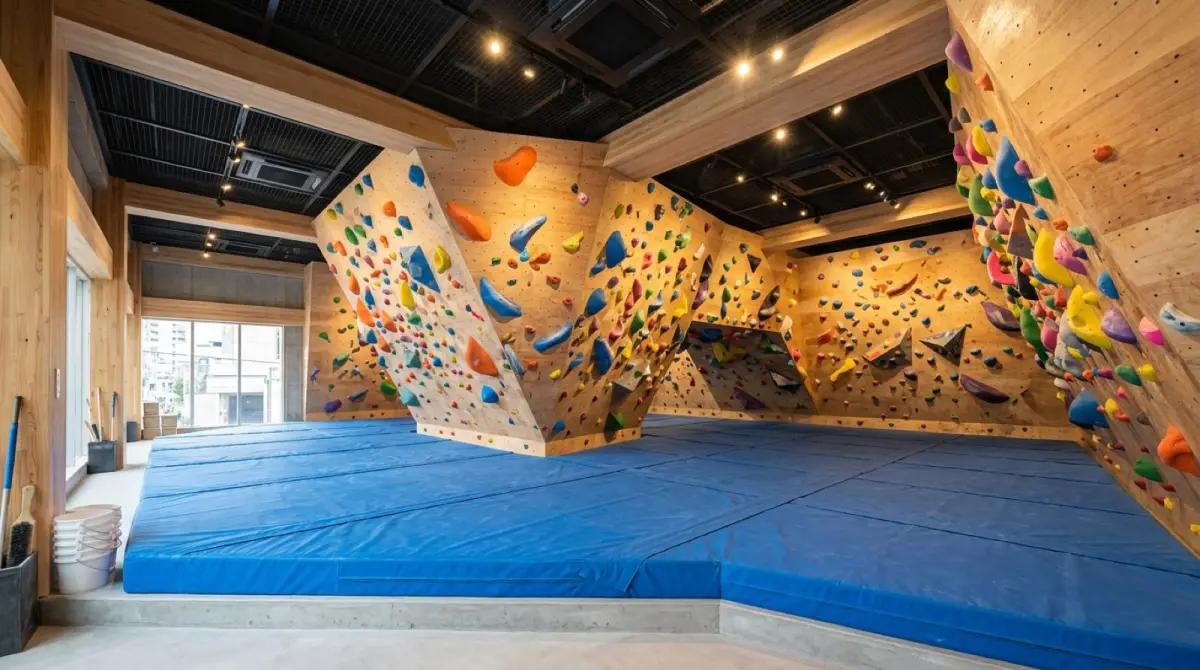
DemoKOMOREBI Bouldering Gym
Drop-in sessions and monthly passes through the same door.
- Book a session, pay with a test card, get the door key
- Sign up for a 1h / 2h / 3h monthly pass
- Block only the hours a class occupies
 Demo
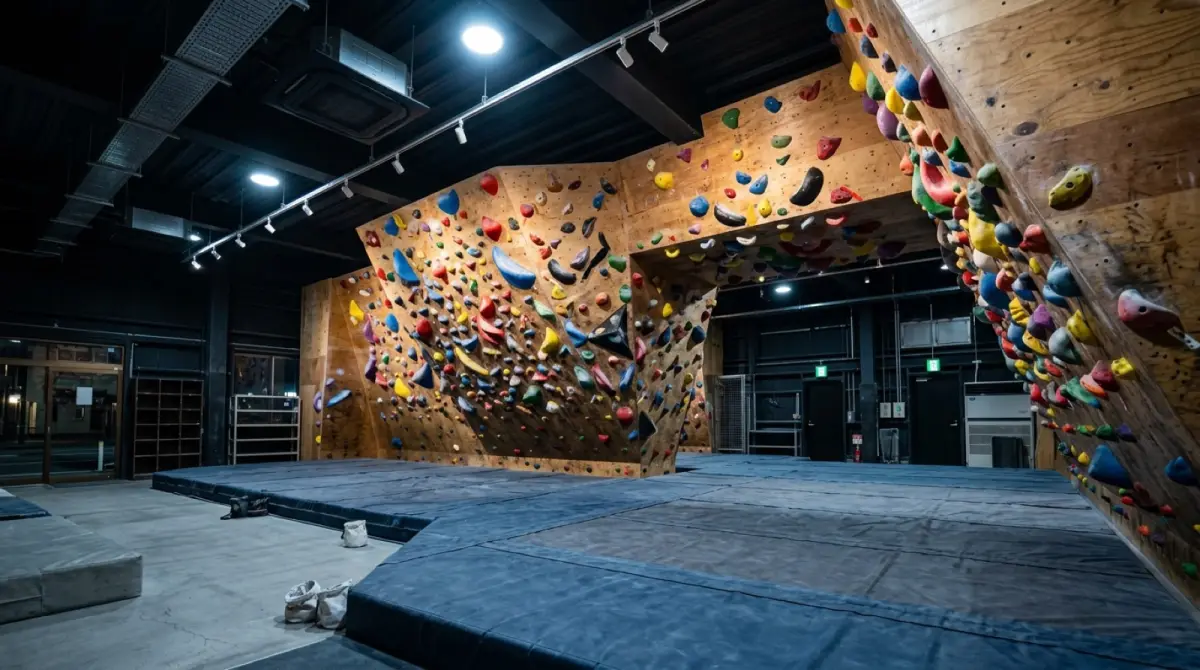
DemoMEGURO 24H Climbing
Turn up without a booking, pick a pack, walk straight in.
- Pay up front for a 2h / 3h / 1-day pack
- Monthly pass holders enter through the same door
- How an unmanned gym runs with no bookings at all
 Demo
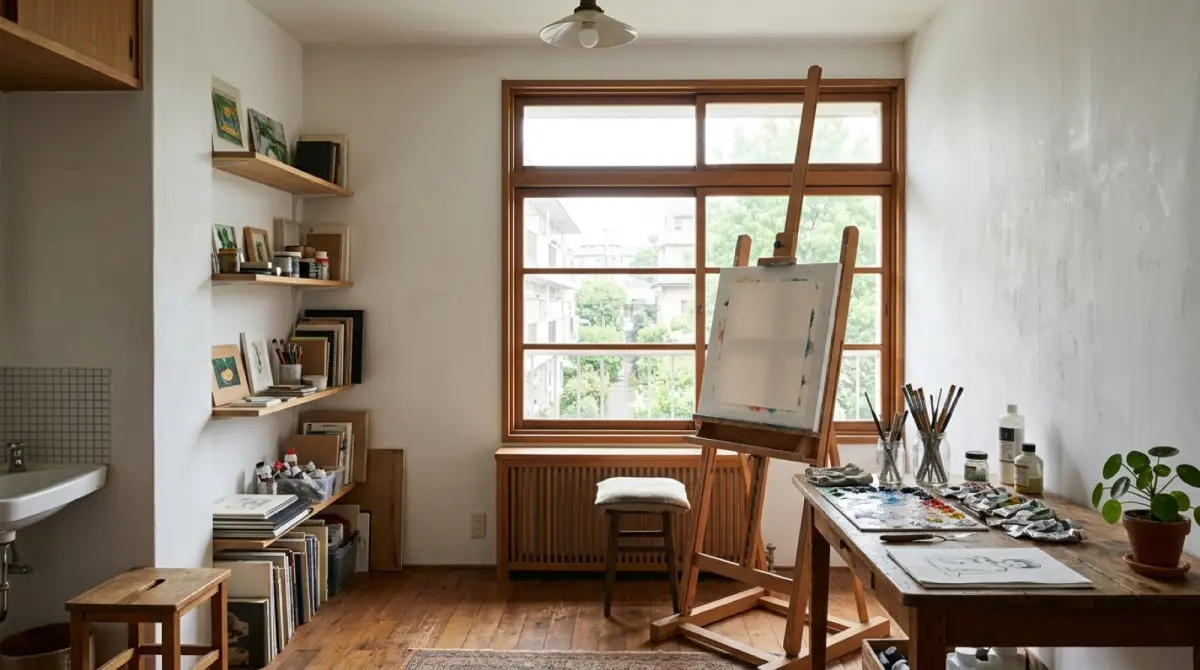
DemoHinata Rental Atelier
One room, sold through three different doors.
- The same room priced differently per entry point
- Monthly plans split by how often you come
- A free 30-minute viewing slot
 Demo
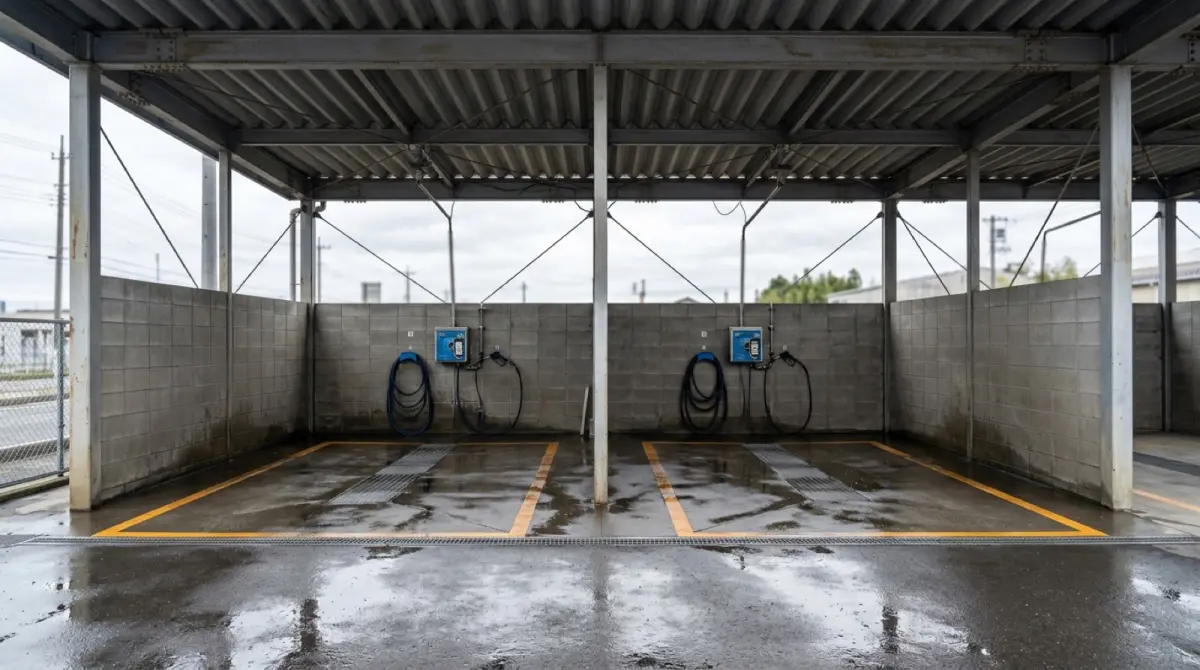
DemoAQUA BAY Self-Service Car Wash
Renting the bay itself, in two-hour blocks.
- Two-hour blocks on a physical bay
- Member and non-member rates side by side
- A time-limited opening offer
 Demo
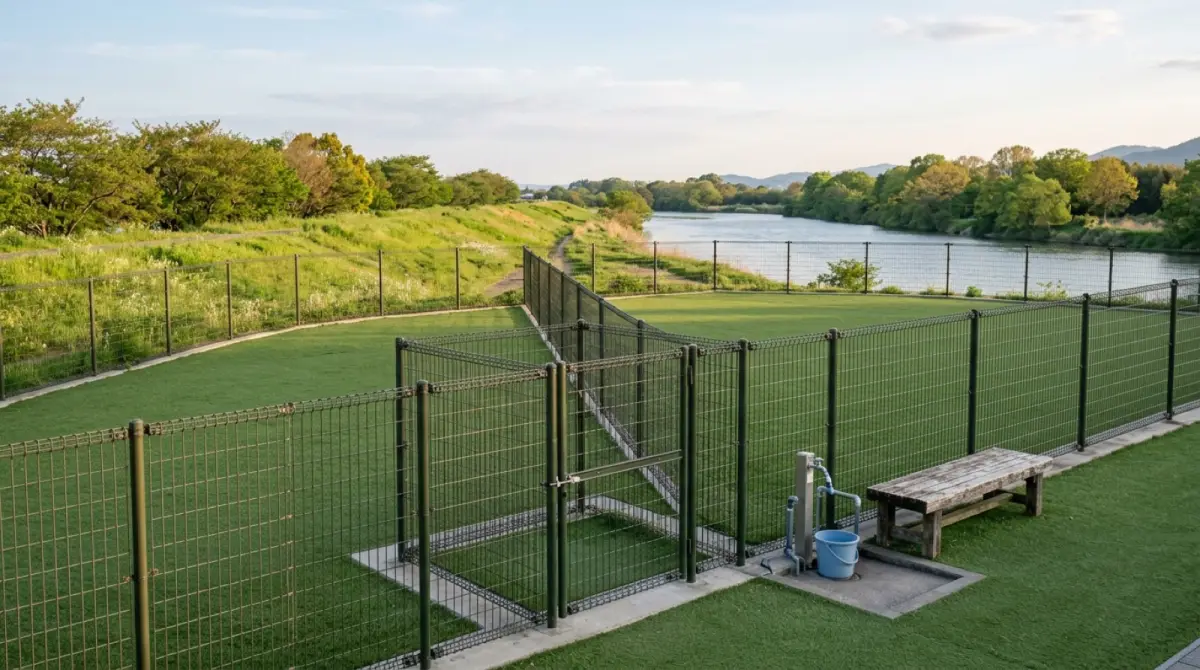
DemoSorairo Private Dog Run
Priced by how many dogs come. Booked ahead, run with nobody on site.
- Hourly pricing that changes with the number of dogs (1–5)
- Weekday, weekend and full monthly tiers, each with a member rate
- Hire the whole field exclusively
 Demo
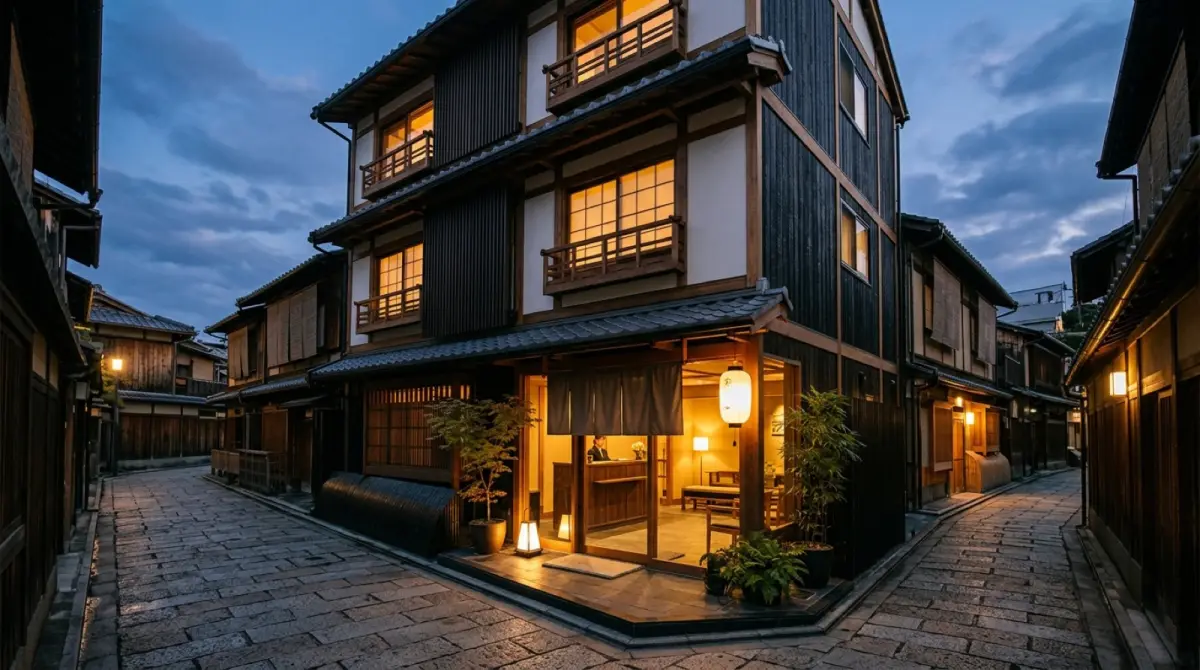
DemoHOTEL AONAGI Kyoto Shijo
Overnight stays and drop-in facilities, one entrance.
- Book one of 32 rooms and receive the room key
- Walk into the public bath for free
- Pay per visit for the fitness room
 Demo
DemoMizuumi Lakeside RV Park
An RV site that takes arrivals around the clock, with nobody on site.
- 13 pitches in two sizes, sold by the night
- No check-in window and no staff
- Bookings still complete on a site with no smart lock
 Demo
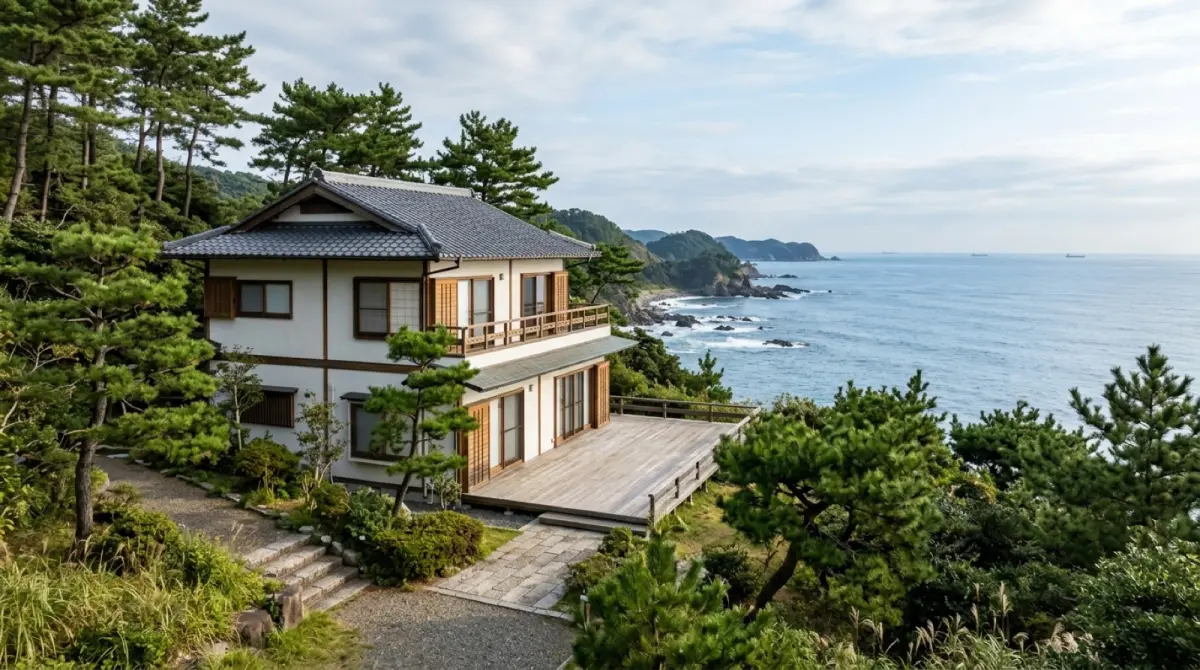
DemoKatsuura Umikaze Company Retreat
A staff-only lodge, run on bookings alone and priced at zero.
- Hold one of four tatami rooms by date — free, so no payment step
- Book the karaoke room by the hour
- Book the gym in two-hour slots from 8:00
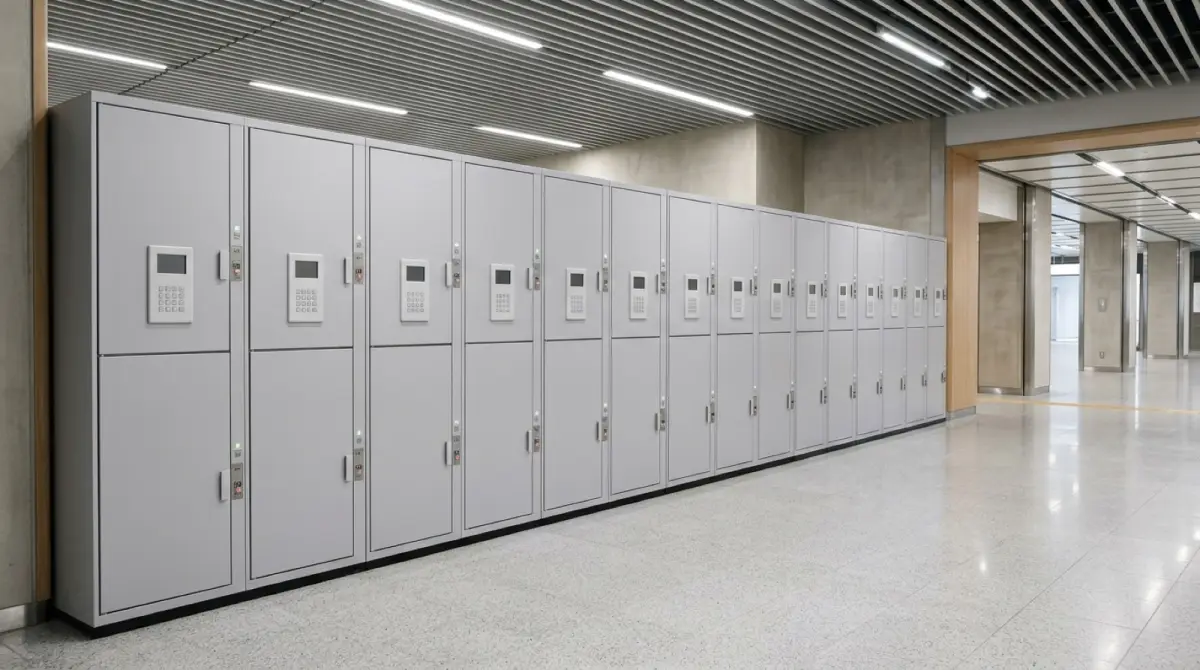 Demo
DemoTebura STATION Luggage Lockers
Station lockers by the day. The PIN appears as soon as you pay.
- A flat daily rate per locker size
- A PIN issued the moment payment clears
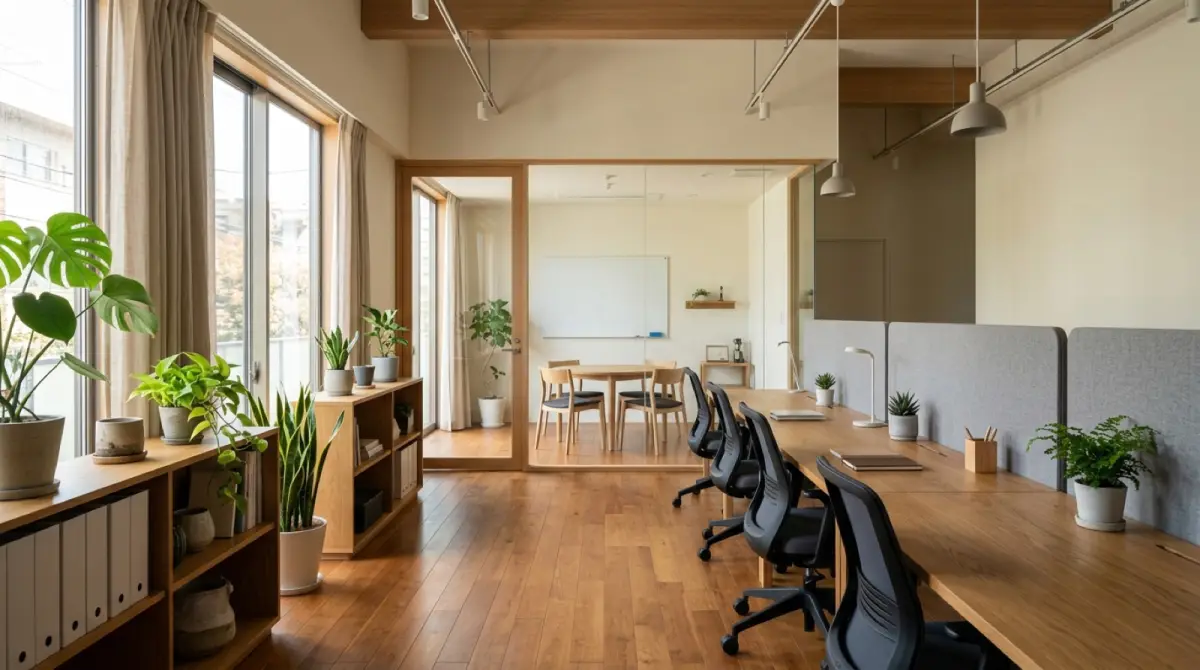 Demo
Democo-ba Monzen-Nakacho Coworking
Drop-in desks by day, the whole floor by night.
- Non-members drop in on the spot, prepaid, with a daily cap
- Monthly members walk through the same door at no extra charge
- Evening venue hire as a separate entry point
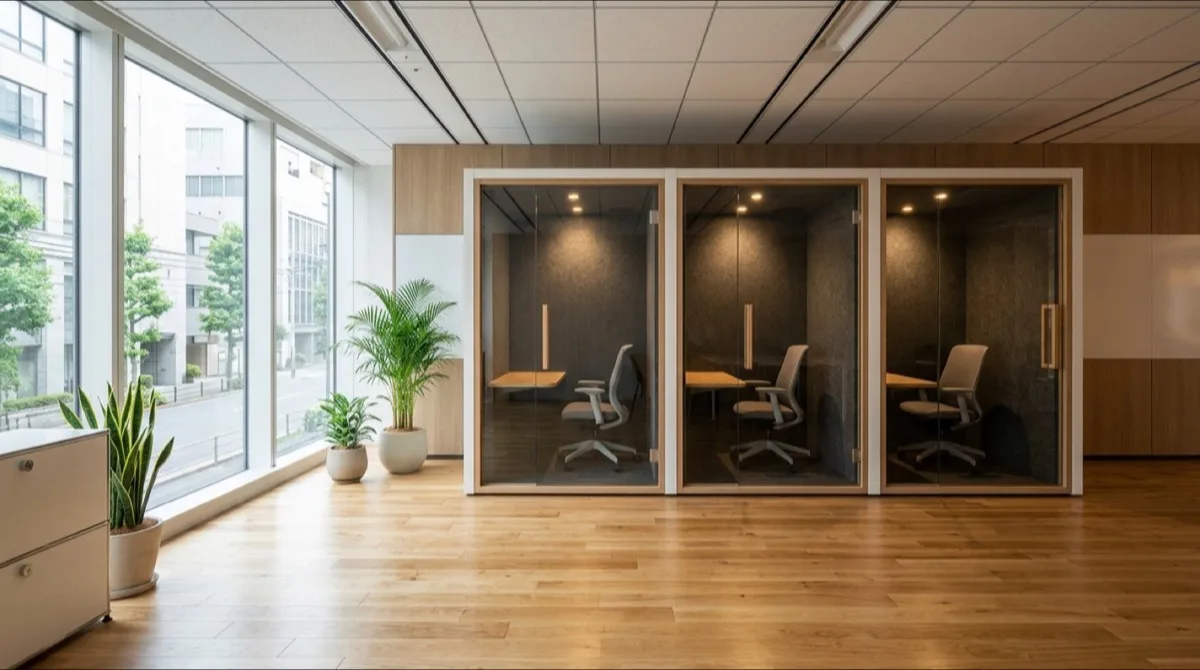 Demo
DemoSOLO Work Booths Gotanda
Grab a free booth fifteen minutes before the call.
- Three identical booths, assigned automatically
- Fifteen-minute slots, bookable right up to the start
- Free for members — the booking confirms with no payment step
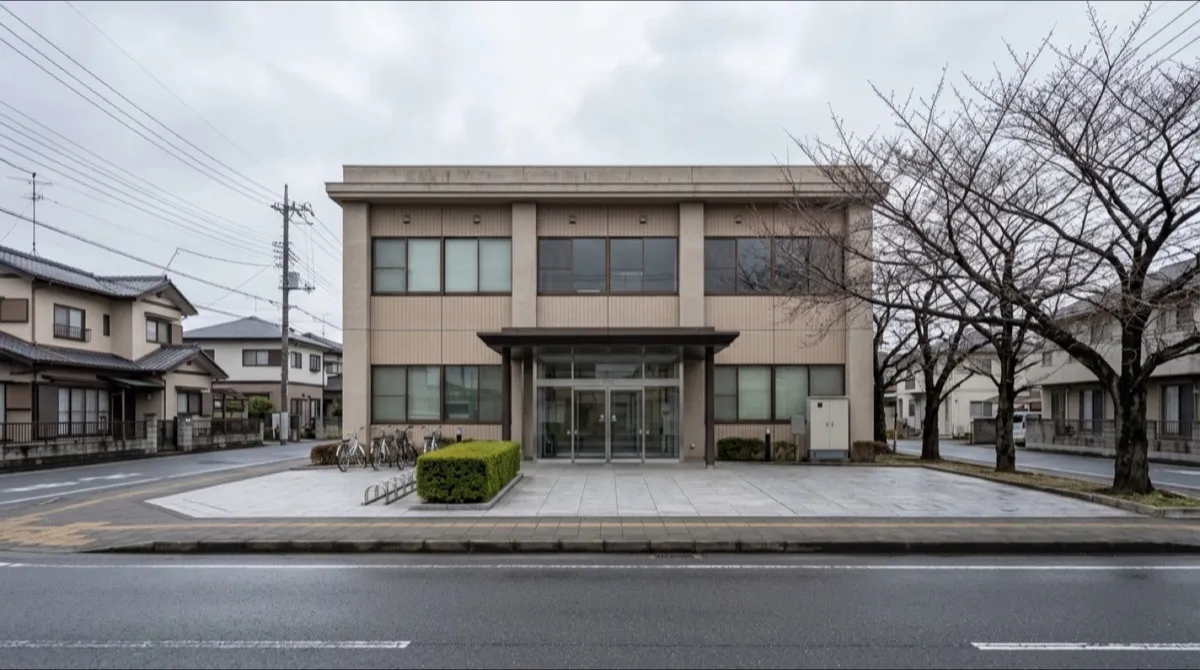 Demo
DemoSakuradai Community Hall, Minamo City
One QR code at the desk records who used which room.
- Scan the fixed QR at the desk and the sign-in is done
- Name, address and phone kept as the visitor register
- Four rooms chosen from a single entrance